| Topic |
Pro |
Con |
| Wifi |
Works as expected. Easily connects to wifi like any other phone. |
Wifi radio only sees 2.4 GHz. It wasn't seeing any 5 GHz wifi. |
| GUI |
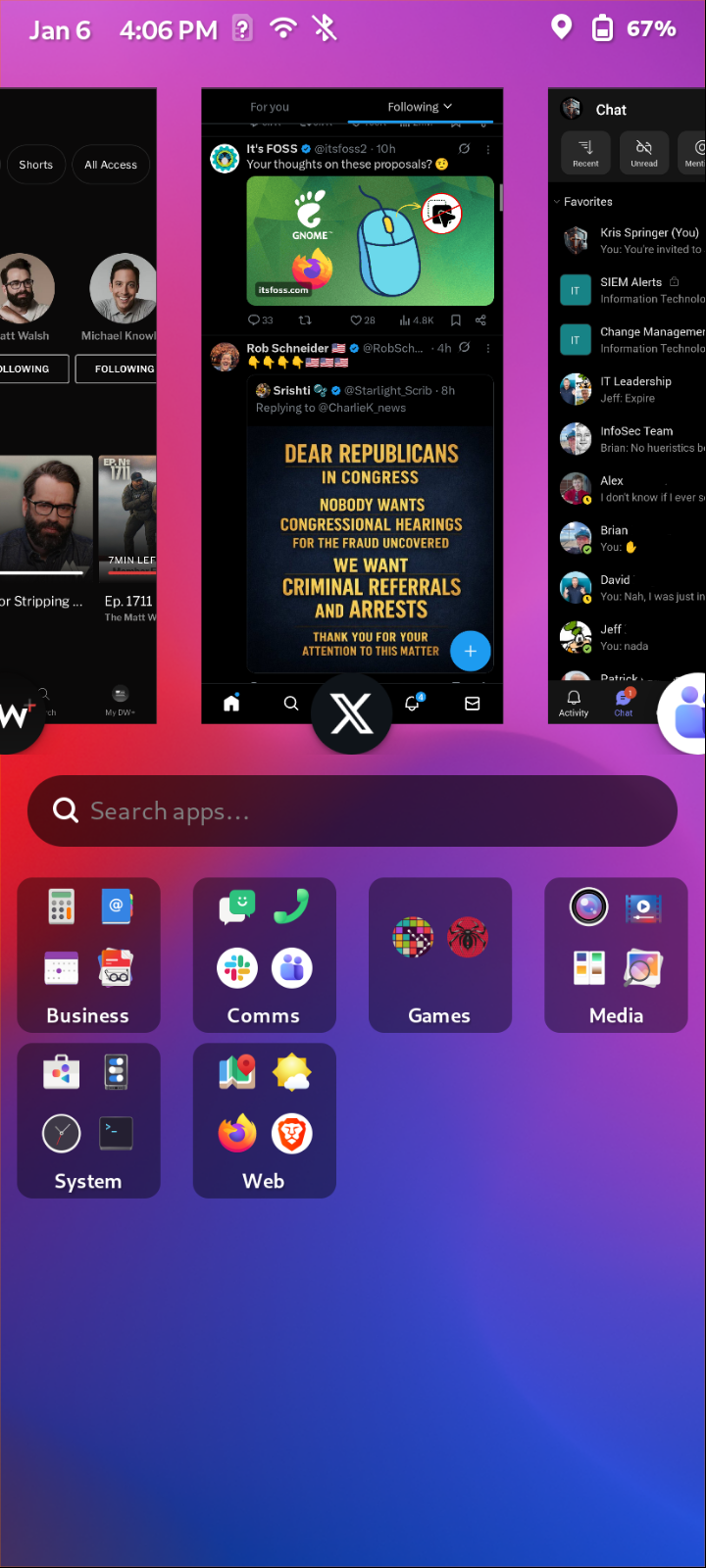
FuriOS works well and is responsive. Graphics look good and toggles work.
Has a little different sliding interface that I have to get accustomed to.
There's a nice feature to easily change the scale of things from the top bar. |
Not much customization. App icons can be placed in folders, but they are just shown in alphabetical order and can't be moved around.
FuriOS needs more work if it intends to compete with the basic features of Android or Apple interfaces that users are accustomed to. |
| Touchscreen |
Touch screen is accurate and responsive. |
Touching near the edges of the keyboard seems off when inside Android apps. |
| Gestures |
Top down swipe works normally. Buttom up swipe works normally. |
No side swipes or any corner swipes enabled. This is especially a problem when using apps that need to 'go back' a lot.
Side button must be pressed to turn the screen on. Tapping the blank screen does nothing. |
| Keyboard |
Works. Has a 'terminal' mode keyboard that offers a few top row customizations for buttons, like adding arrow keys. Found in 'Mobile Settings> On Screen Keyboard'. |
FuriOS default keyboard is ugly with no theming. Long press to enter numbers and symbols is also missing. |
| Side Buttons |
All seem to work as expected. There's an extra physical button on the left of the phone that does nothing by default. 'Settings> Assistant button' sets it's function. I chose to set it as a 'Back' button since the device doesn't have side swiping capabilities. |
Assistant button seems to work intermitintly. Perhaps it's because the app I'm in when I press it doesn't have a 'Back' function. |
| Bluetooth |
Connects as expected with my BT earbuds and truck radio. |
Volume buttons on earbuds work to control volume on the phone, but Play/Pause and Skip buttons don't work inside apps, probably because of the Android sandboxing barrier. |
| Apps - Linux |
It runs Flatpaks standard, which is what most of the apps from the Ubuntu app store are.
Flatseal installed ok. I'm not sure how much the OS adhere's to the Flatpak standards though.
Most flatpak apps I installed from the built-in app store worked ok. Some had some layout issues.
Installing apt apps via terminal commands also worked fine. |
Functionality was hit-or-miss depending on the app.
Brave browser would not work at all due to flatpak sandboxing issues with the OS.
Freetube installed but wouldn't open.
Slack didn't have an official app. The WebApp that was in the app store installed but it failed to function properly.
Neither the included apps nor flatpak apps can access the extra SD card I added. I'm assuming a permissions issue. |
| Apps - Android |
It runs Android apps standard, but you'll have to install the 'Aurora' app from the Ubuntu app store first in order to gain access to the real Android app store.
Running Android apps makes the functionality better because it uses a Google keyboard instead of the FuriOS keyboard. This keyboard has the long press numbers that should be a standard.
I easily installed all my favoritie Android apps and most worked well. |
Some of the apps had issues upon first opening. Signing into Google apps would not work at all for some reason. But using Google in Firefox worked fine.
Apps that try to access the hardware such as a wifi or network scanner wouldn't work because of the Android sandboxing barrier. SD card is also not accessible.
Audio/Video intense apps like Teams video calls kinda worked, but would crash. Again I'm assuming this is an Android sandboxing issue.
Video apps that I tried to rotate from portrait to landscape and go full screen while watching a video crashed the apps.
The included 'F-Droid' Android app store contains nothing of interest. I discovered in a forum post that installing the 'Aurora' app from the Ubuntu app store was what connects to the real Android app store. |
| Notifications |
|
App must be running in order for notifications to work.
Acknowledging them seems to be an all-or-nothing swipe, meening swiping one notification takes the rest of the list with it.
Have not had good consistency with Android app notifications working. I'm sure the fact that I have so many other devices checking the same systems isn't helping, or the Android app's sanbox barrier. |
| SD card |
Can insert mini SD card into combo port with SIM card. I added an Amazon Basics 128G mini SD card. |
SD card did not fit correctly in the combo port. I had to physically shave some plastic.
OS could see the card but could not do anything with it until I formatted it on my Linux PC. The phone failed to format it.
I'm also not quite sure what good the extra card is going to be to me since neither the pre-installed apps, Flatpak installed aps, nor Android apps can access the SD card path. I was able to get pre-installed apps to see it after making a symlink in my home folder, but couldn't get Flatpak or Android to see it. |
| Cellular providers |
Supposedly works with Patriot Mobile. I intend to get a SIM card and test this out. |
|
| Case |
Cheap |
Doesn't fit quite right because it's material is flexible. Covers the side slider labels so I can't tell which does what. |
| Cable |
Nice cable included. |
Plugging a USB cable from the phone to a PC does nothing initially, making me think something was wrong.
On an Android phone when a cable is plugged it prompts me and asks me what I want to do. But this phone didn't prompt at all.
After going into the 'Settings>USB' section and changing the USB State from 'None' to 'MTP' everything started working like expected. |
| Headphones |
USB-C headphones included. |
Cheap |
| Charging options |
USB-C can be set to charge, and also set as a power output to charge some other device if needed. Interesting feature that could turn my phone into a charging brick in a pinch. |
No wireless charging available. This is unfortunate because that's primarily how I charge phones.
I've ordered one of these stick-on charging receivers and it is working for me.
There's 10-15 second delay after plugging cable in before anything on the phone shows that anything is happening. This is a long time and made me think things were failing. |
| Screenshots |
Worked |
Took 2 AI products to figure out that to take a screenshot I had to hold down the power button until a menu appeared with a Screenshot button. |